

The UCP has integrated with GP Connect: Access – Structured Record to enable fast and secure access to a patient’s allergies and medication information across the healthcare system. This data will sit alongside the patient’s care plan, improving the quality and coordination of care.
To view GP connect: Access – Structured Record data within the Universal Care Plan, your organisation must be:
1. Signed up to the GP Connect National Data Sharing Agreement and;
2. Have the GP connect integration from the Universal Care Plan, switched on for your organisation.
If you meet the above criteria, you should see GP Connect: Access – Structured Record data in the Medications and Allergies form of the UCP. Click here for more information.
If not, you will see a message that states “User organisation has not been onboarded to view GP Connect Data“.
What to do next:
Step 1: Your organisation’s Information Governance Lead (or equivalent) must complete this form: https://apply.ndsp.gpconnect.nhs.uk/
Under Software supplier select the following:
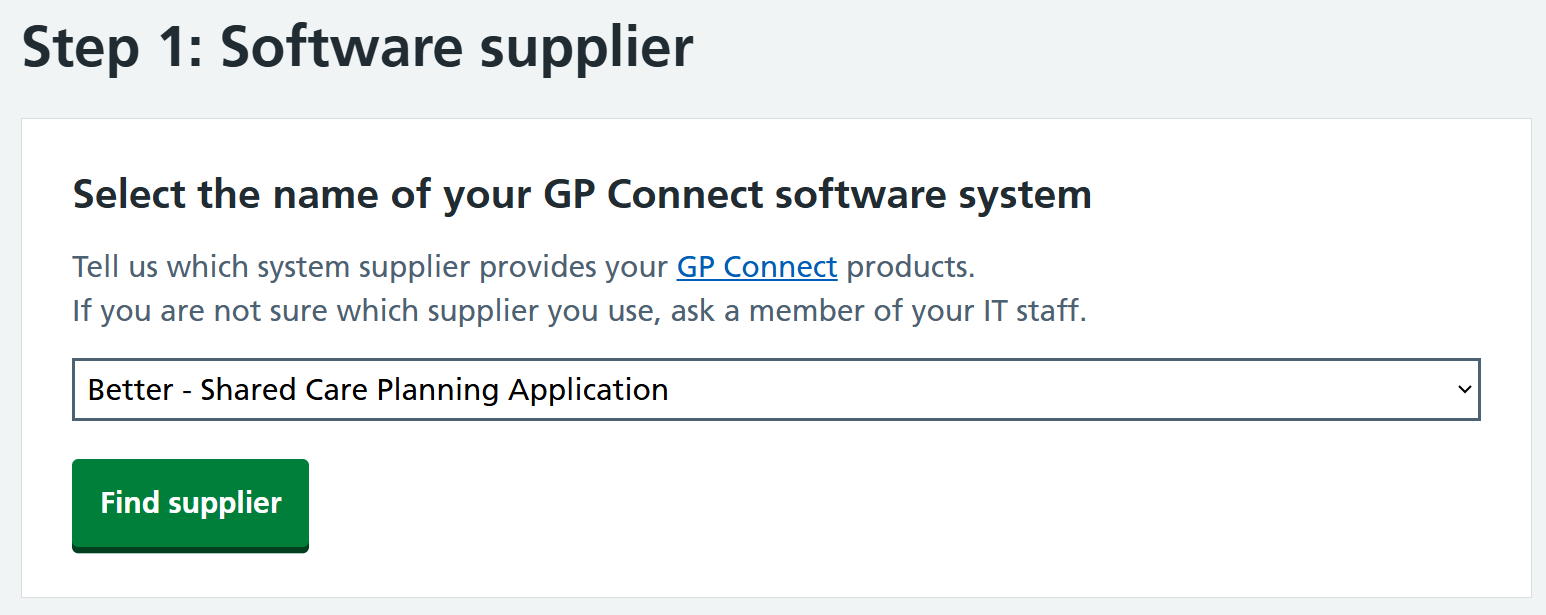
If you have already done this for your organisation, please go to step 3.
Step 2: Once approved they will receive a confirmation email.
Step 3: Once the confirmation email has been received, please inform the UCP helpdesk by submitted our Contact Us form: https://ucp.onelondon.online/contact/
Select the following option under ‘query type’
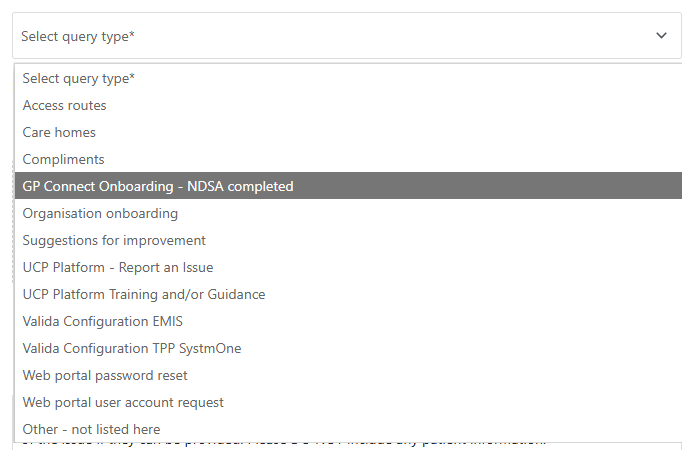
Our helpdesk team will initiate the final onboarding step. Once done, you will be able to automatically view GP Connect information in the Medications and Allergies form. No further action is needed.
This may take up to 4 weeks.
Once enabled you will see GP connect data in the Medications and Allergies form. An example can be found here.